Teaching Internet Safety: Middle School Computer Science key ideas, vocabulary and misconceptions
What Middle School students need to know about Internet Safety, the words they need and the mistakes to watch for. Then make an editable lesson, worksheet or study guide on it, standards-aligned and free to start.
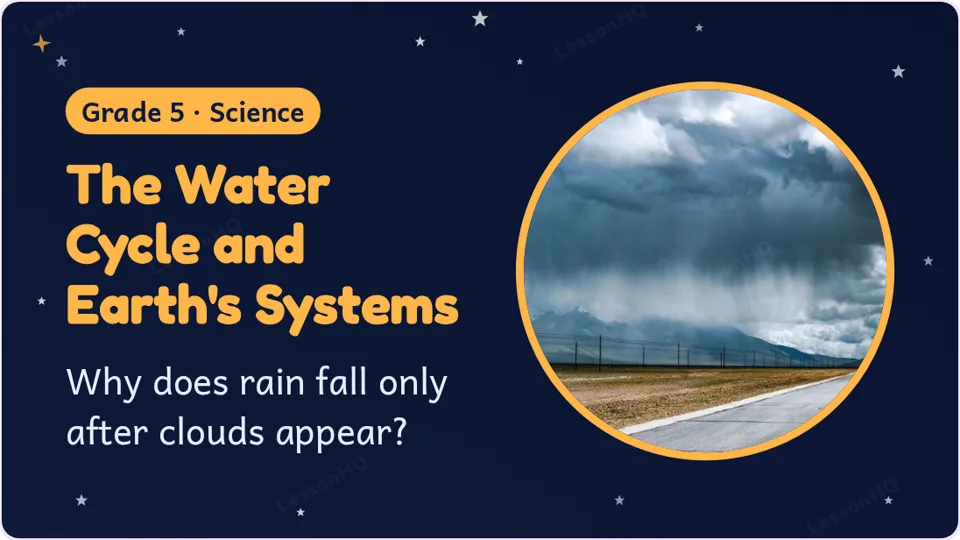
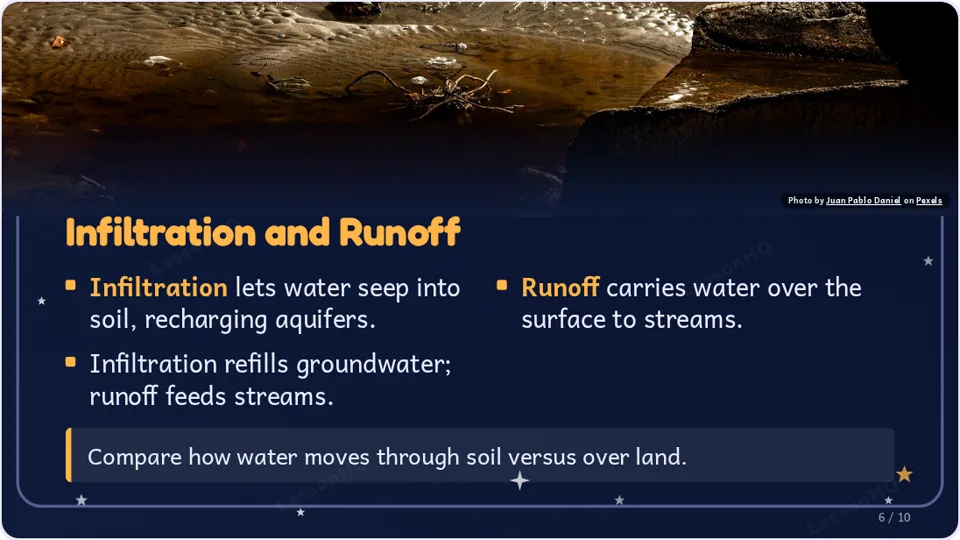
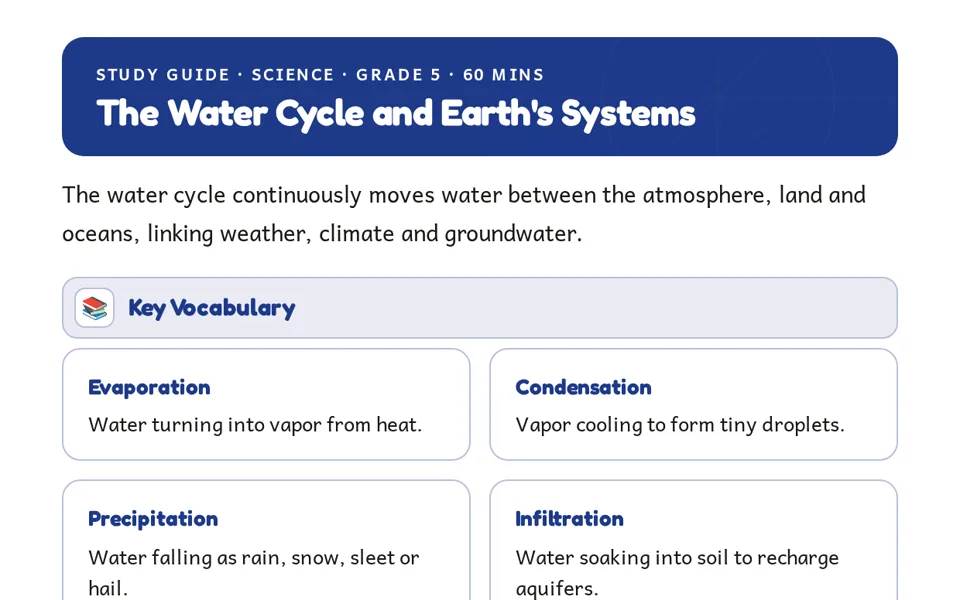
Teaching Internet Safety at Middle School
Students learn how to stay safe and responsible online, protecting personal information and recognizing risks. By the end they should create strong passwords, spot phishing and scams, manage privacy settings, think before posting, respond to cyberbullying and know when to tell a trusted adult.
Key vocabulary
- personal information
- details that identify you, such as your full name, address or school
- phishing
- a trick message that tries to get you to share passwords or personal details
- digital footprint
- the trail of information you leave online, which can last a long time
- cyberbullying
- using technology to repeatedly hurt, threaten or embarrass someone
- privacy settings
- options that control who can see your posts and information
Common misconceptions
- Students often think deleted posts are gone forever, but others may have saved or shared them.
- Many believe only strangers pose risks online, but scams and harmful messages can also come from hacked accounts of people you know.
- Some think private accounts make everything safe, but followers can still screenshot and share posts.
Make any resource on Internet Safety
Pick what you need - the AI builds it for Middle School Computer Science, then keeps everything consistent if you generate more.
Internet Safety lesson plans
Internet Safety worksheets
Internet Safety study guides
Internet Safety slides
Internet Safety test prep & review
Internet Safety activities
Ready-made Middle School Computer Science resources
Finished resources from the LessonHQ Library, closest to Internet Safety first.
- Algorithms and Debugging: FoundationsLesson Plan · Middle School Computer Science · $1.99
- Algorithm Steps and Debugging Knowledge CheckActivity Sheet · Middle School Computer Science · $1.99
- Sub Plan: Introduction to Algorithms and DebuggingSub Plan · Middle School Computer Science · $1.99
- Introduction to Algorithms and DebuggingStudy Guide · Middle School Computer Science · $1.49
- Introduction to Algorithms and Debugging WorksheetWorksheet · Middle School Computer Science · $1.99
- Introduction to Algorithms and DebuggingLesson Pack · Middle School Computer Science · $3.99
Internet Safety - FAQ
What Middle School Computer Science resources can I make for Internet Safety?
A full lesson on Internet Safety - slides, a lesson plan, a worksheet, a study guide, retrieval practice and more - each generated in about 60 seconds and aligned to US state standards for Middle School.
Are the Internet Safety resources editable?
Yes. Slides open in Google Slides or PowerPoint and documents open in Word or Google Docs, or save as a PDF - fully editable and yours to keep.
Is it pitched at the right level for Middle School?
Yes - every resource on Internet Safety is written for Grades 6-8 (ages 11-14): knowledge-rich lessons with retrieval practice, aligned to Common Core and NGSS.
Is it free?
You can start free with no credit card. Generate a Internet Safety lesson and see the quality for yourself.
Aligned to your state's standards
Internet Safety resources map to your state's standards and tests, not a generic template.
- Texas
- California
- Florida
- New York
- Virginia
- Georgia
- Pennsylvania
- Tennessee
- North Carolina
- Indiana
- Oklahoma
- South Carolina
- Arizona
- Nebraska
- Minnesota
- Alaska
- Ohio
- Michigan
- Massachusetts
- Washington
- Colorado
- Maryland
- Missouri
- Wisconsin
- Alabama
- Louisiana
- Kentucky
- Utah
- Iowa
- Kansas
- Mississippi
- Idaho
- West Virginia
- Illinois
- New Jersey
- Connecticut
- Oregon
- Nevada
- New Mexico
- Arkansas
- Montana
- Hawaii
- Maine
- New Hampshire
- Vermont
- Rhode Island
- Delaware
- Wyoming
- North Dakota
- South Dakota
- District of Columbia
Teach Internet Safety tomorrow.
A full Middle School Computer Science lesson pack in 60 seconds - free to start, no credit card.